Create a GitHub account and your first repository
Never used GitHub before? Here is how to sign up, make a repository, and put your website files in it.

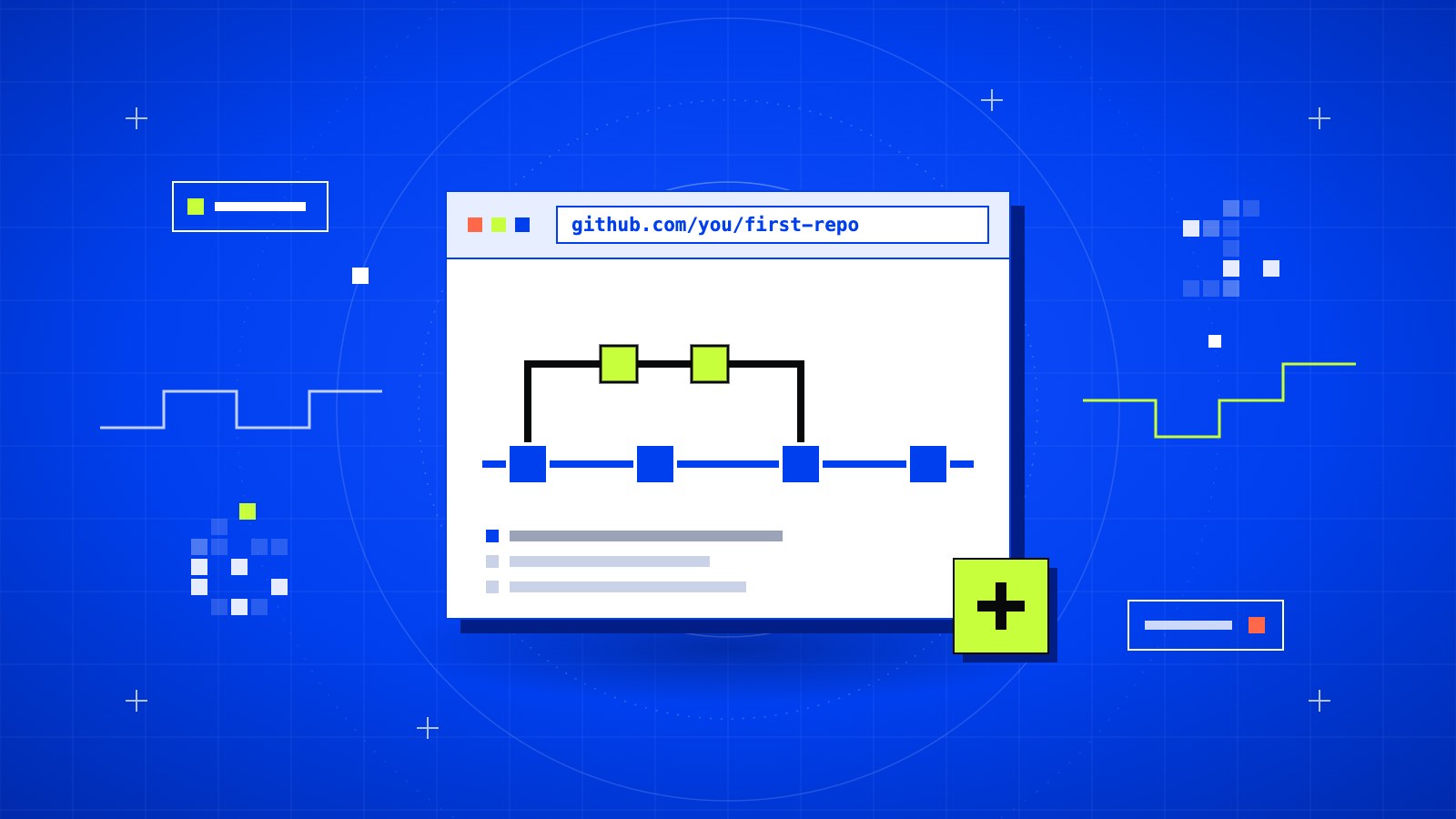
GitHub is where most developers keep their code. It saves every version of your project, and services like Vercel can read straight from it to put your site online.
If you have never used it, this is the place to start. You don't need to know Git yet.
In short
- Cost: free
- Time: about 10 minutes
- You need: an email address and your website files
Three words you will see a lot
- Repository (or "repo"): a folder for one project, stored on GitHub.
- Commit: a saved snapshot of your files, with a short note about what changed.
- Push: sending your commits from your computer to GitHub.
That's enough to follow the rest.
01Sign up
Go to github.com and click Sign up. Enter your email, a password, and a username. GitHub sends a code to your email. Type it in and you're done.
The free plan is all you need. It includes unlimited public and private repositories.
Tip
Pick a username you would be happy to show a client. It becomes part of every link you share, like
github.com/your-username.
02Lock the account
Before anything else, turn on two-factor authentication. Open Settings → Password and authentication and follow the steps with an authenticator app.
Your code lives here. A password alone is not enough to protect it.
03Create the repository
Click the + in the top right corner and choose New repository.
- Repository name: short, lowercase, with dashes. Something like
my-portfolio. - Visibility: choose Public if you are fine with anyone seeing the code, or Private if not. Both work with Vercel.
- Leave the README, .gitignore, and license options empty for now.
Click Create repository. You land on an empty page with setup instructions.
04Add your files
There are two ways. Pick the one that fits you.
The easy way: upload in the browser
On the empty repository page, click uploading an existing file. Drag your project files in, write a short note like "First upload", and click Commit changes.
This is fine for a small site. It gets slow once you start changing things often.
The proper way: push with Git
Install Git from git-scm.com if you don't have it. Open a terminal in your project folder and run:
git init
git add .
git commit -m "First commit"
git branch -M main
git remote add origin https://github.com/your-username/my-portfolio.git
git push -u origin main
Swap in your own username and repository name on the fifth line. Refresh the page on GitHub and your files are there.
Note
If Git asks for a password, your account password will not work. Sign in through the browser window that opens, or create a personal access token under Settings → Developer settings.
05Keep secrets out
Some files should never go to GitHub:
.envfiles with passwords or API keys- The
node_modulesfolder - Anything with customer data
Create a file called .gitignore in your project folder and list them, one per line:
.env
node_modules
Heads up
Deleting a secret in a later commit does not remove it. It stays in the history. If a key ever gets pushed, treat it as leaked and replace it.
Saving changes from now on
Each time you finish a piece of work, run these three lines:
git add .
git commit -m "Describe what changed"
git push
What's next
Your code is on GitHub, but nobody can visit it as a website yet. The next step is to deploy it to Vercel, which takes about five minutes and gives you a live link for free.