Put your website online with Vercel in five minutes
Deploy a site from GitHub to Vercel and get a free vercel.app address. No server and no domain needed.

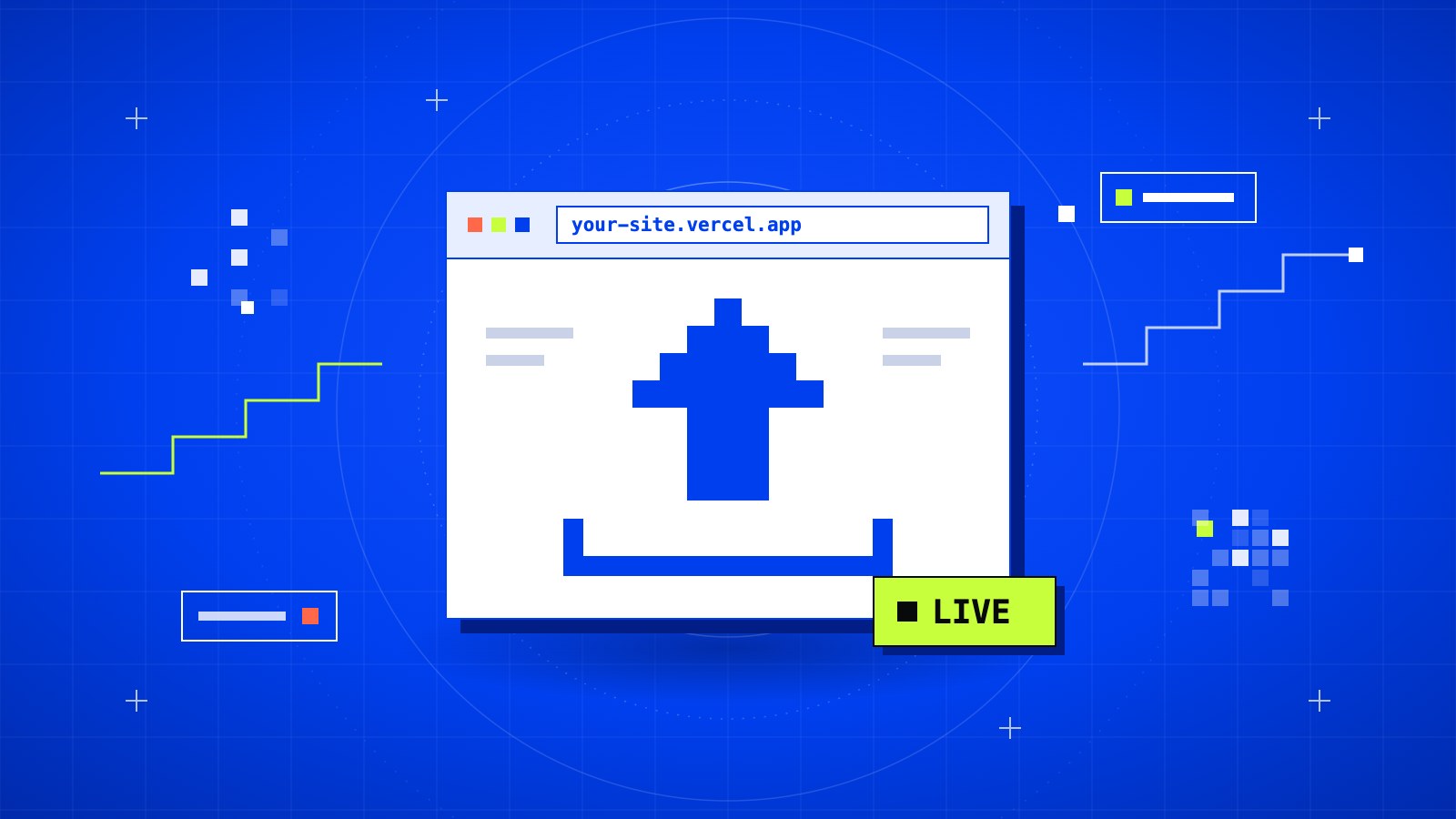
You built a website and it works on your laptop. Now you want a link you can send to someone. Vercel is one of the quickest ways to get there. It gives you free hosting and a free address ending in .vercel.app, so the site is live before you even buy a domain.
In short
- Cost: free on the Hobby plan
- Time: about 5 minutes
- You need: your project in a GitHub repository
Before you start
Vercel pulls your code from GitHub, so the project has to be there first.
Note
No GitHub account yet? Follow Create a GitHub account and your first repository, then come back here.
01Sign up with GitHub
Go to vercel.com and click Sign Up. Choose Hobby, then Continue with GitHub.
Signing up this way links the two accounts, which saves you a step later.
02Import your repository
On the dashboard, click Add New → Project. Vercel shows a list of your GitHub repositories.
The first time, the list may be empty. Click the link to install the Vercel app on GitHub, then choose which repositories it can see. You can allow all of them or only the one you need.
Find your project and click Import.
03Check the settings
Vercel looks at your code and guesses the framework: Next.js, Vite, Astro, plain HTML, and so on. It is usually right, so you can leave the build settings alone.
Two things are worth a look:
- Root Directory: change it only if your site sits in a subfolder of the repository.
- Environment Variables: if your project uses a
.envfile, add those keys here. Your.envis not on GitHub, so Vercel can't read it.
04Deploy
Click Deploy and wait. Most sites finish in about a minute.
When it's done, you get a link like this:
my-portfolio.vercel.app
Open it. Your site is live, with HTTPS already on.
Tip
Don't like the address? Go to Settings → Domains in your project and change it to another
.vercel.appname, as long as nobody has taken it.
05Update the site
This is the best part. From now on, you don't upload anything by hand.
- Push to the
mainbranch and Vercel rebuilds the live site. - Push to any other branch and you get a separate preview link. The live site stays untouched until you merge.
git add .
git commit -m "Update homepage text"
git push
A minute later, the change is online.
If the build fails
Open the failed deployment and read the build log. The real error is usually near the bottom.
- It works on my laptop but not on Vercel: an environment variable is probably missing. Add it under Settings → Environment Variables and redeploy.
- "Module not found": check the capital letters in your file names.
Header.jsandheader.jsare the same file on most laptops, but not on Vercel. - A 404 page after a successful build: the Root Directory or the output folder is wrong.
Heads up
The Hobby plan is for personal, non-commercial projects. If the site is for a business or a client, check Vercel's pricing page before you launch.
What's next
A .vercel.app address is fine for testing and for showing work in progress. When you are ready for your own name, follow Connect your own domain to a Vercel site. Vercel handles the SSL certificate for you.
Hosting somewhere else and still need HTTPS? See How to get free SSL for your site with Cloudflare.